Android
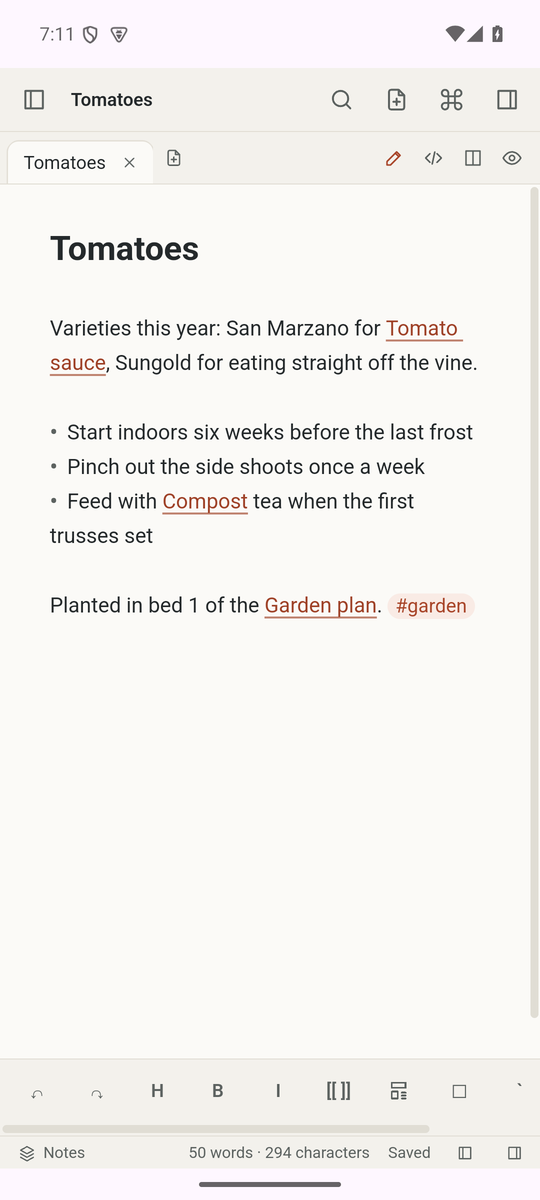
The Android app is built from the same code as the desktop app, with a touch layout and a formatting toolbar. It has no zoom keys and cannot open files in other apps yet, images included.
Install
The APK on the releases page, cairn-<version>-universal.apk, is for Android 7.0 or later, on arm64, armv7, x86 and x86_64 devices. Every version is signed with the same key, so a new APK installs over an older one as an update and keeps the app's data, its notebooks and its sync setup.
The signing certificate has the SHA-256 fingerprint 1D:10:FE:DC:B9:A2:55:63:DA:A0:59:AD:79:30:64:15:3D:A8:7F:92:C4:0C:49:A8:98:F2:00:AF:09:B9:82:8C. To check it before you install, run apksigner verify --print-certs on the APK (apksigner comes with the Android SDK build tools). It prints the same value in lowercase, without the colons.
Notebooks on a phone
"Create a notebook on this device" keeps the notebook in the app's private storage. "Open a folder from storage" uses the system folder picker (Storage Access Framework), so you can share the folder with other apps. Opening a folder this way needs no storage permission. Sync works as on the desktop, except for the names a shared folder cannot hold (below).
Sync on the local network
From Android 17, an app can reach a server on the local network, such as a sync server at home, only with the Nearby devices permission. Cairn asks for it when you start a sync yourself (Connect and sync, Sync now or a tap on the sync status) or open a note's version history, and the server is on the local network: its address is private (10.x.x.x, 172.16.x.x to 172.31.x.x, 192.168.x.x), in 100.64.x.x to 100.127.x.x (shared address space, which some VPNs use), link-local or an IPv6 unique local address, or its name ends in .local. It does not ask when such a server answers without the permission, as one reached through a VPN does, because Android does not block a VPN.
Syncs that run by themselves never ask; while the permission is missing, they stop with a message that says how to allow it. If you refuse, sync stops with a message that says so. To allow it later, open Android settings, then Apps, then Cairn, then Permissions, then Nearby devices.
A server on your network with a public IPv6 address is not recognized as local, although Android counts it as local: without the permission, its sync times out, and the message then also says to allow Nearby devices.
Shared folders
The app reopens a shared folder after a restart as long as it still has access to it. If another app renames, moves or deletes the folder, Cairn treats it as missing: sync stops with "Sync error" and uploads nothing, so the other devices keep their notes. Pick the folder again in its new place.
Shared storage ignores case, so Cairn refuses a name that differs only in case from an existing one there. It also refuses names that the storage cannot hold: names with " * : < > ? \ |, a trailing dot, or more than 255 bytes. When another device syncs a file under such a name, or into a folder whose name differs only in case from one on the phone, the phone does not store the file, and no device renames it. The phone lists it under "Files not synced" in Settings, then Sync.
There is one exception: when another device moves some notes from a folder into one whose name differs only in case, the phone renames its whole folder to match, so the folder's other notes move on every device too. When another device renames a note to such a name, the phone holds the rename back, and edits made to that note on the phone wait until the name is free. The known limits describe this and a related case.