Search and graph
Quick switcher
Ctrl+O opens the quick switcher, which finds a note by its name. Before you type, it lists recent notes; once you type, it also lists images.
Command palette
Ctrl+P opens the command palette, which finds a command by its name and shows its hotkey. Core plugins and plugins that are on add their commands to it.
Search
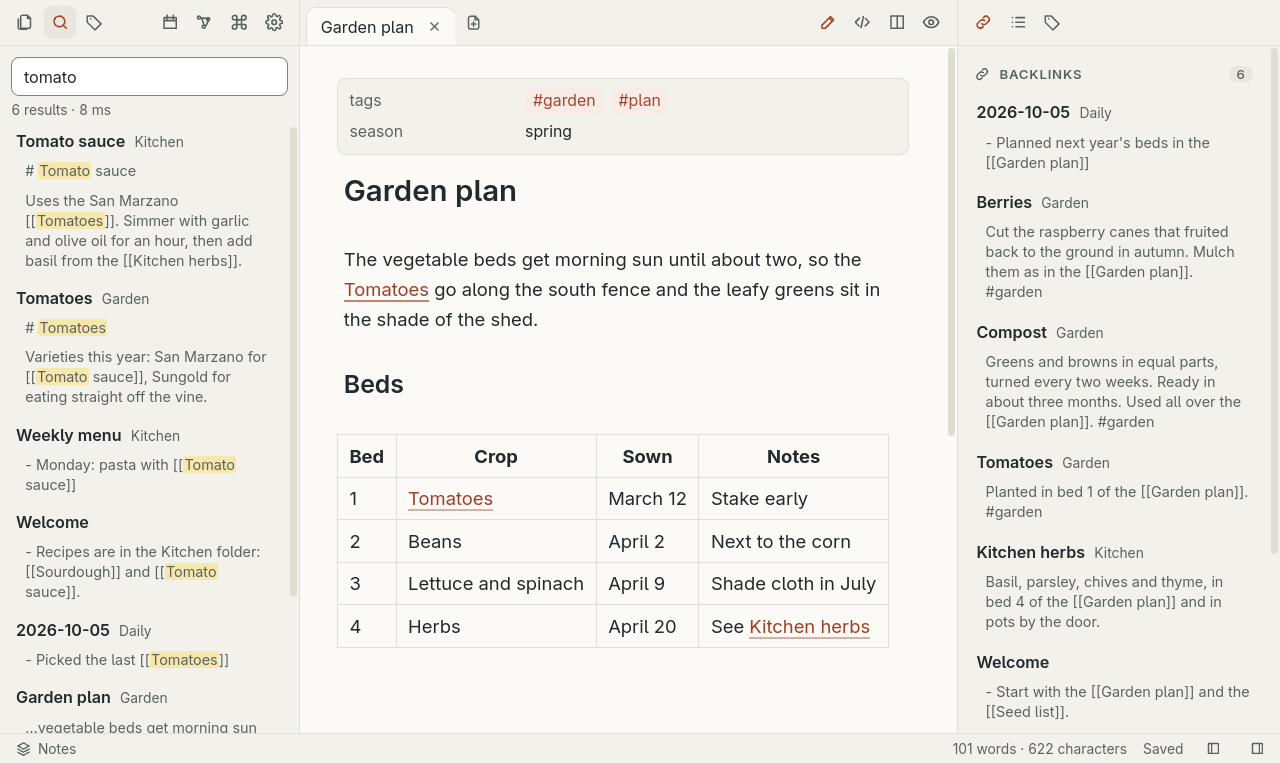
Ctrl+Shift+F opens full-text search. Narrow it with tag: and path: filters, and quote a value with spaces, as in path:"My Folder". Images whose name or folder matches the words are listed under the notes; a query with a tag or a quoted phrase lists none.
Graph view
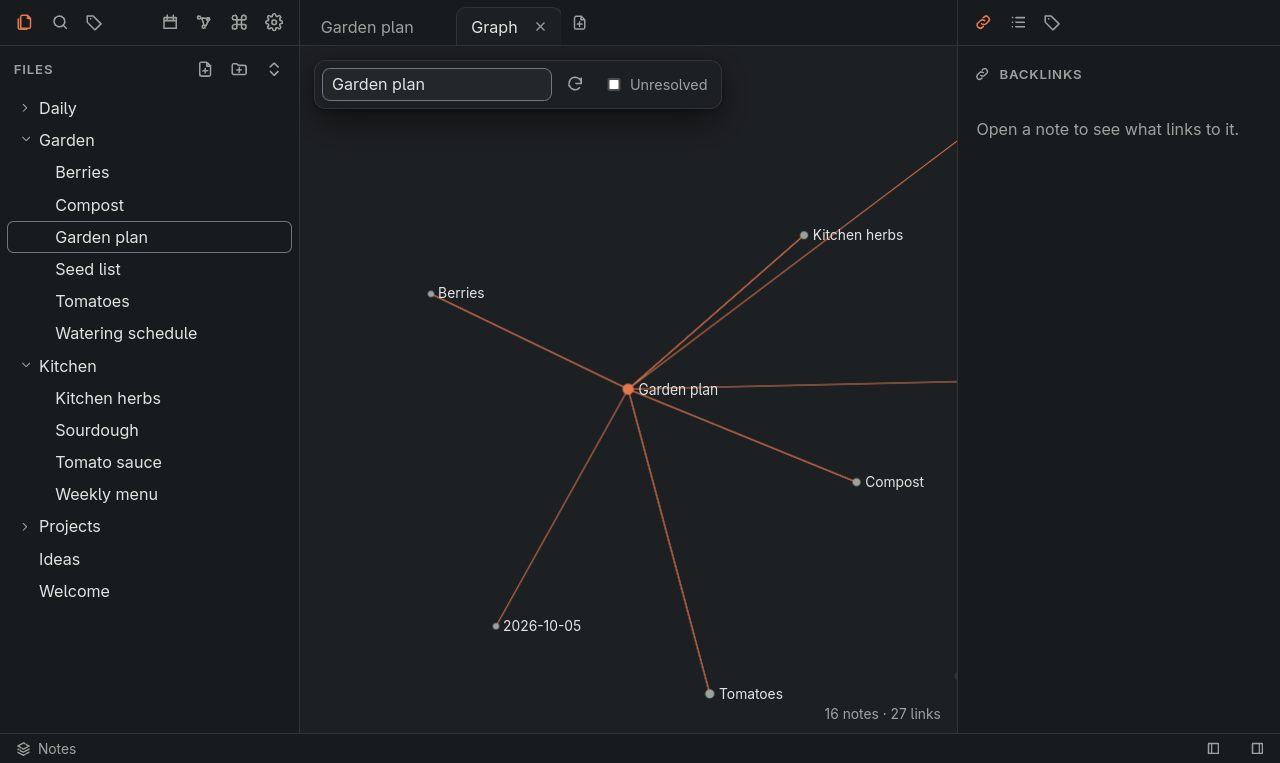
Ctrl+G opens the graph view, which shows the notes and the links between them. It also works from the keyboard. Type a note's name in Find note in graph and press Enter to zoom to the note and highlight its links.